Payroll automation software: a UK guide for SMBs
By The AI Ledger editorial team | Published 2026-08-29 | Updated 2026-11-20
Yes, payroll automation is the right next step for most small and medium businesses. It removes manual data entry and reconciliation from pay runs, cuts errors, and produces the audit trails HMRC and internal finance teams need. The trade off is a proper migration: a rushed rollout causes more disruption than the manual process it replaces.
- * *
> TL;DR: > > - Clean your data and run at least one parallel pay cycle before cutover; skipping either is how pay errors reach staff. > - If you run several pay cycles, entities or contractors, check the system handles them without workarounds. > - Connect payroll to HR and to your accounting ledger so journals post without rekeying. > - When checking vendors, ask about data residency, UK compliance support (RTI, auto-enrolment, statutory pay) and the support model, as well as features.
- * *
Table of Contents
- What is payroll automation software?
- Why automate payroll: the real business benefits
- What features should payroll automation software include?
- How do you implement payroll automation without breaking pay day?
- How do you choose the right payroll automation approach?
- Payroll and accounting: how the integration actually works
- Why trust this guide, and how The AI Ledger helps you pick
- The verdict: start small, involve the right people
- What does payroll automation software actually cost?
- What goes wrong with payroll automation, and how to avoid it
- How secure is payroll data in an automated system?
- What are the main types of payroll automation software available?
- Where is payroll automation technology heading next?
- Our take on payroll automation
- Shortlisting payroll tools on The AI Ledger
- Sources
What is payroll automation software?
Payroll automation software handles the calculations, tax withholdings, payslip generation and payments that a payroll administrator would otherwise process by hand, one employee at a time. It removes manual data entry and reconciliation work by pulling hours, salary changes and benefits directly from source systems, running the calculations, and pushing the results out as payslips and bank payments, according to HiBob's overview of payroll automation.
Manual payroll still leans on spreadsheets. Someone rekeys hours from a time and attendance system, checks tax codes against HMRC notices, and reconciles the total against last month's figures before anyone gets paid. Automated systems do that same work through APIs and rules engines rather than copy and paste.
What this typically covers:
- Gross to net pay calculations, including tax, National Insurance and pension deductions
- Payslip generation and secure employee self-service access
- Statutory and voluntary payments (SMP, SSP, pension contributions, court orders)
- Real Time Information (RTI) submissions to HMRC
- Record keeping and audit logs for every pay run
Cloud platforms add a further layer: continuous compliance monitoring, live tax table updates and, increasingly, AI-native calculation engines that flag anomalies before a pay run is submitted rather than after, per Warp's description of AI native payroll tools.
Why automate payroll: the real business benefits
The case for automated payroll processing rests on four things: time, accuracy, scale and staff experience.
Rekeying hours and checking every line by hand takes a large share of a payroll administrator's time on each run. Automation turns much of that into reviewing exceptions, which leaves more time for the parts of the job that need judgement, like a leaver's final pay or a complex maternity pay calculation.
!Hands reviewing payroll report with dark screen background

Fewer errors, better audit trails. Manual payroll is where transposed numbers and missed tax code updates creep in. Automated systems reduce processing time and simplify tax filing because the same validated data feeds every calculation, according to Lano's guide to payroll automation. Every change is logged, which helps if HMRC ever queries a submission.
Key benefits at a glance:
- Scalability, adding ten new starters or switching a chunk of the workforce to contractor status shouldn't mean rebuilding your process
- Multi-cycle handling, weekly, monthly and off-cycle runs coexist without separate manual spreadsheets
- Self-service, employees pull their own payslips and P60s, which cuts "where's my payslip" queries
- Compliance confidence, automated regulatory updates reduce the risk of filing errors, per ADP's payroll software overview
What features should payroll automation software include?
Not every business needs every feature below, but check your shortlist against this list before you sign.
- Core calculation engine covering PAYE, National Insurance, pension auto-enrolment and statutory payments, with payslip generation and payment run scheduling built in.
- RTI-ready HMRC filing, meaning submissions go directly to HMRC on schedule without a manual export and upload step.
- HR and time integration, so salary changes, leave and clocked hours flow into payroll automatically rather than being re-typed.
- Accounting ledger integration via API, posting payroll journals straight into your books.
- Multi-entity and contractor support if you run more than one PAYE scheme or pay a mix of employees and contractors.
- Audit logs and version history for every change made to an employee record or pay run.
- Year-end support, including P60 generation and the transition into a new tax year without a support ticket queue.
Ask about year end specifically. Some platforms handle regular RTI submissions well but leave you managing P11Ds and year-end reconciliation manually unless you pay for an extra module.
How do you implement payroll automation without breaking pay day?
Rushing a payroll migration is a common way to get the first pay run wrong. Work in phases: audit, then a pilot or parallel run, then full cutover. A simple single-entity move is far quicker than a multi-entity one, so plan the timetable around your own complexity.
- Audit your current process. Map every data source: the HR system, time and attendance records, pension provider files, and any spreadsheet formulas nobody has documented.
- Choose your approach. Decide between an embedded API or module inside your existing HR platform, a fully managed payroll provider, or an in-house system upgrade. Each carries different implementation effort and ongoing dependency on the vendor's support team.
- Clean and migrate data. Map every field, from tax codes to pension categories, before importing. This stage is easy to underestimate: data cleaning and parallel runs usually take more effort than configuring the software.
- Run a parallel pilot. Process one or two full pay cycles on both the old and new system side by side, and compare every output line by line before switching off the legacy process.
Practical checklist for that pilot phase:
- Involve the payroll team who will actually run the system day to day, not just IT
- Reconcile gross pay, deductions and net pay against the legacy figures
- Confirm pension contributions match provider records exactly
- Set a realistic go-live date with a fallback plan if reconciliation throws up discrepancies
A parallel run of one or two pay cycles is the most dependable way to check outputs before full cutover.
How do you choose the right payroll automation approach?
Start with three decision axes: company size and growth trajectory, payroll complexity (multiple pay cycles, contractor mix, benefits variety), and whether you need multi-country support.
Run any shortlist through this checklist:
- Does it integrate directly with your existing HR and accounting systems, or will you still be exporting CSVs?
- Where is employee data hosted, and does that satisfy your data residency requirements?
- What UK-specific compliance support is included, RTI, pension auto-enrolment, statutory payments, as standard?
- What is the support model: dedicated account manager, ticket queue, or chatbot first?
- What does total cost look like once you add implementation, per-payslip fees and support tiers together?
In the demo itself, ask pointed questions rather than sitting through a features tour: What exactly happens during migration, week by week? What is the cut-off time for submitting changes before a pay run locks? How are calculation errors flagged, before or after submission to HMRC? Can you see a live audit log, not a mock-up?
Payroll and accounting: how the integration actually works
Payroll automation only delivers its full value when the output flows straight into your books. The common pattern is payroll calculates the pay run, triggers payments, then posts journals automatically into the accounting ledger, avoiding a manual month-end reconciliation. Many platforms do this through a direct API connection, so payroll journals and payment confirmations post to the ledger without a manual export step.
!Hands arranging ledger sheets on desk

Mapping statutory tax and employer National Insurance liabilities automatically at the point of integration reduces month-end reconciliation errors, since the numbers never get manually retyped between systems. Our guide to accounting software integration) covers the mechanics of that ledger connection in more depth.
For UK compliance, verify three things before you sign anything:
- RTI support is genuinely built in, not bolted on through a third-party export
- Statutory payments (SMP, SPP, SSP) calculate automatically against current thresholds
- Pension auto-enrolment assessments run every pay period, not just at onboarding
Check these in a live demo or trial rather than relying on a sales deck.
Why trust this guide, and how The AI Ledger helps you pick
This guide focuses on how payroll automation gets implemented. The AI Ledger runs an independent directory of 300+ AI tools for accountants and bookkeepers, each carrying an editor score that is never for sale and a last verified date, so you can see when a listing was last checked against reality.
The tool finder narrows that list to platforms matching your payroll job, whether that's contractor-heavy payroll, multi-entity RTI filing, or straightforward monthly runs for a small team. The payroll and HR category lists the payroll tools we cover, such as BrightPay and Sage HCM.
The verdict: start small, involve the right people
Payroll automation delivers real gains in accuracy, speed and compliance confidence for most SMBs, but only when the migration is treated with the same care as the software selection. Run an audit of your current process first. Pilot one full pay cycle in parallel before cutover. Then use The AI Ledger's tool finder to match the result to your specific payroll complexity.
What does payroll automation software actually cost?
Pricing typically follows one of three models: per payslip (a flat fee for each employee paid each cycle), per employee per month (a subscription regardless of how many pay runs you process), or a tiered platform fee that bundles a set number of employees with add-ons for extras like pension integration or multi-entity support.
Expect implementation costs on top of the headline rate. Data migration, initial setup and training aren't always included, and providers vary on what counts as "standard" onboarding versus a chargeable extra. Year-end processing, P11D generation and additional HR modules frequently sit behind a higher tier too.
The factors that move your actual bill the most:
- Headcount and growth, a platform that is cheap for a small team can get expensive as you grow
- Contractor versus employee mix, some platforms charge more per contractor than per PAYE employee
- Number of pay cycles, weekly and monthly runs on the same platform sometimes attract separate fees
- Support tier, a dedicated account manager costs more than a ticket queue, and for payroll that difference matters at year end
Get a total cost of ownership figure for at least twelve months, not just the headline monthly rate, before comparing providers against each other.
What goes wrong with payroll automation, and how to avoid it
A common failure is underestimating the data cleaning stage. Legacy spreadsheets accumulate undocumented workarounds, manual tax code overrides, and pension categories nobody has audited in years. Migrating that mess without cleaning it first just automates the errors alongside everything else.
A second frequent pitfall is skipping the parallel run. Teams under pressure to switch fast sometimes go live on the new system after a single test payslip rather than a full pay cycle comparison, and discrepancies only surface when someone's pay is visibly wrong.
Underestimating change management causes a third category of problems. Payroll staff who've run the same manual process for years need proper training time before they're expected to trust a new system with real pay day pressure behind them.
Finally, watch for compliance gaps that only appear at year end: a platform that handles regular RTI submissions well can still leave you managing P60s or pension reconciliation manually if that module wasn't part of your original scope. Confirm year-end capability during procurement, before you need it.
How secure is payroll data in an automated system?
Payroll data is among the most sensitive information any business holds: salaries, bank details, National Insurance numbers, and often home addresses. Before choosing a platform, confirm where data is hosted and whether that location satisfies your data residency obligations, particularly if the provider processes data outside the UK or EU.
Ask specifically about encryption in transit and at rest, role-based access controls (so a line manager can't see the whole company's salary data), and how long records are retained after an employee leaves. Multi-factor authentication for anyone accessing the payroll admin console should be a baseline requirement, not an optional upgrade.
Audit logging matters here too: a system that records every change to an employee's record, and who made it, gives you the evidence trail you need if a dispute or a data subject access request ever lands on your desk.
What are the main types of payroll automation software available?
The market splits broadly into three categories. Embedded modules sit inside a broader HR platform, sharing one database with employee records, which suits businesses that want payroll and HR data to stay in lockstep without separate reconciliation. Fully managed payroll providers handle the calculations and filings on your behalf, with your team submitting hours and changes rather than running the engine directly, which suits businesses without a dedicated payroll specialist. Standalone payroll platforms with open APIs sit in the middle, giving you calculation and filing automation while leaving HR and accounting integration as a connection you build or configure yourself.
AI-native entrants are pushing into this space too, offering real-time calculation and continuous compliance monitoring that flags anomalies as they happen rather than at the end of a pay cycle. That matters most for businesses running frequent off-cycle payments or high contractor turnover, where a batch-processed system's overnight checks arrive too late to catch a problem before payment goes out.
Rather than naming individual products here, The AI Ledger's comparison tool lets you weigh options against your own criteria.
Where is payroll automation technology heading next?
Some newer systems calculate pay continuously as hours and changes are logged, rather than in a single batch run before cut-off, so errors can be caught earlier.
Compliance monitoring is moving the same way: platforms that watch for tax table, pension threshold and statutory payment rate changes and flag the affected employees.
Direct API integration between payroll, HR and accounting systems is also becoming more common, closing the gap between a pay run and the ledger entry it should produce. For finance teams, that shift shows up most clearly in accounting workflow automation, where payroll journals increasingly post without anyone touching a spreadsheet.
Our take on payroll automation
Most advice on payroll automation focuses on the feature list: calculation accuracy, tax filing, self-service portals. The migration gets less attention, yet it decides whether a rollout goes smoothly: whether someone cleaned the data and ran a proper parallel pay cycle before cutover.
If you take one thing from this guide, prioritise the audit stage over the vendor demo. A business that maps its current payroll data before evaluating software will have a far easier procurement conversation than one jumping straight into feature comparisons. For example, the right platform for a small business with no contractors looks very different from the right one for a larger business running several pay cycles and a growing freelance bench.
Shortlisting payroll tools on The AI Ledger
In the tool finder you answer a few questions about your payroll complexity, contractor mix and current systems, and get matched to tools that fit, each with an editor score that's never for sale and a last verified date.
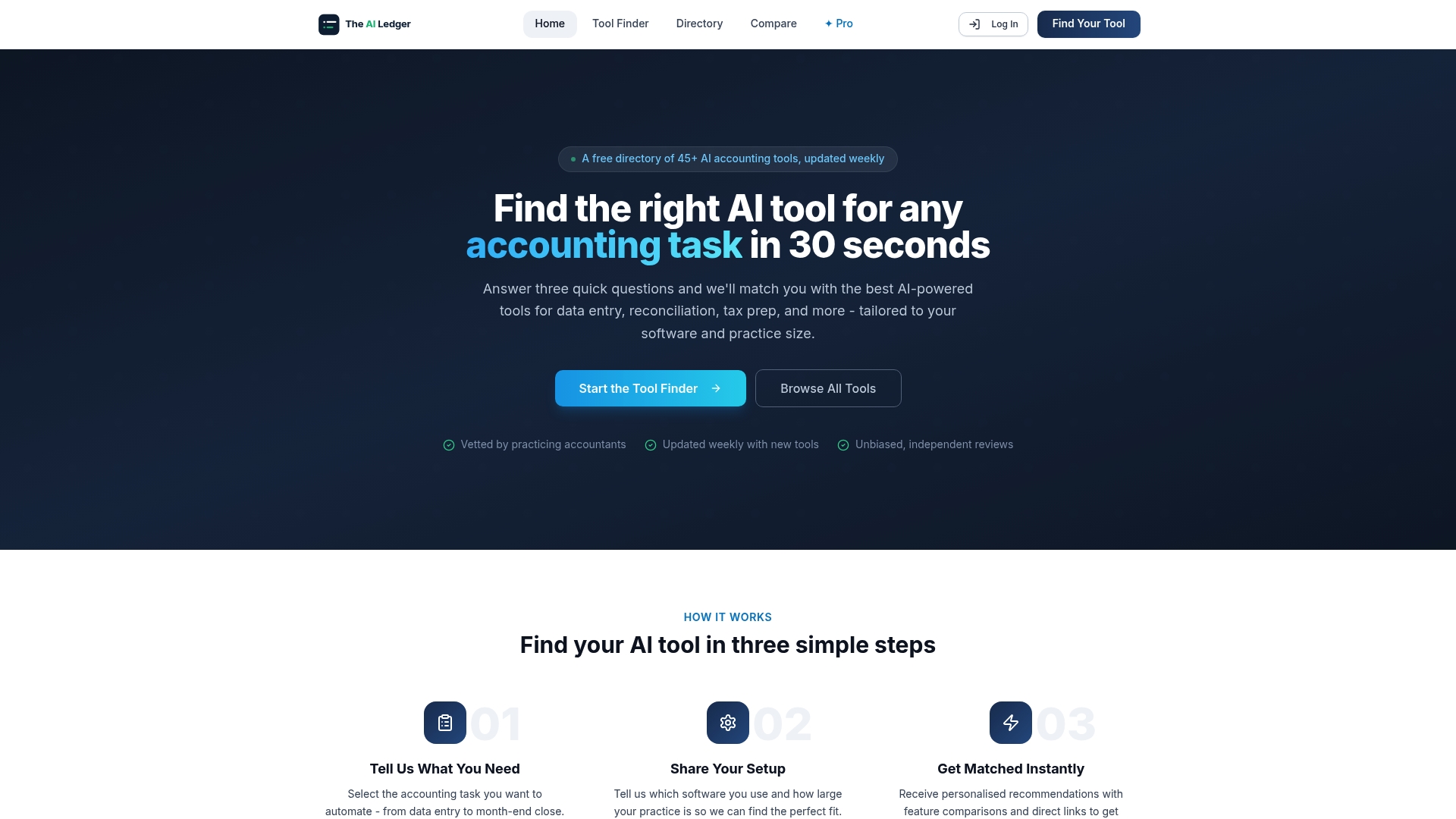
A wrong payroll choice means a second migration, so it is worth shortlisting carefully. Every listing links to the provider's own pages, and you can compare shortlisted options side by side before booking a demo.
Sources
- Payroll automation: Benefits, tools, and implementation
- What is payroll automation?
- Payroll software | Online payroll services | ADP
Recommended
- Accounting workflow automation examples for 2026
- Grow your bookkeeping practice with automation)
- Data entry automation tools: a practical guide for accountants
- Accounting automation ROI: your 2026 UK finance guide